How to Open DXF Files in Silhouette Studio
Open DXF files in Silhouette Studio Basic Edition, fix the size, set cut lines and solve common problems. Step by step for Cameo, Portrait and Curio users.

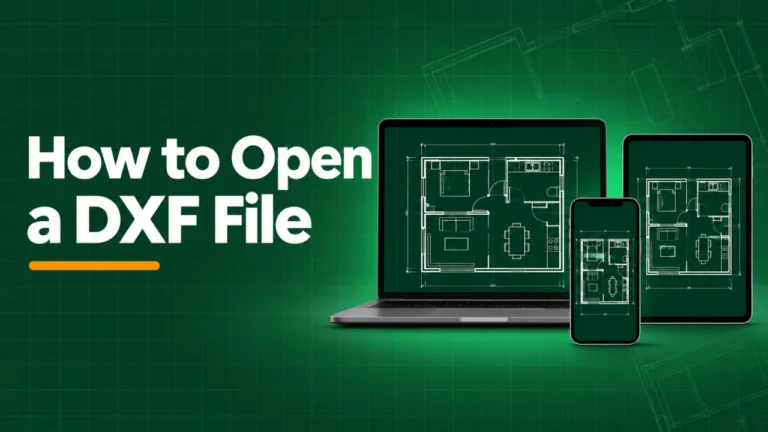
Open DXF files in Silhouette Studio Basic Edition, fix the size, set cut lines and solve common problems. Step by step for Cameo, Portrait and Curio users.
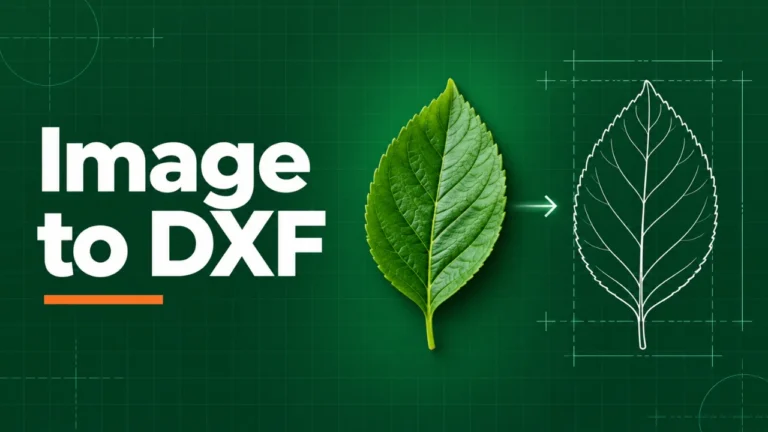
Learn how to upload DXF files to Cricut Design Space, fix size and layer problems, and choose between DXF and SVG for clean cuts on your Cricut machine.
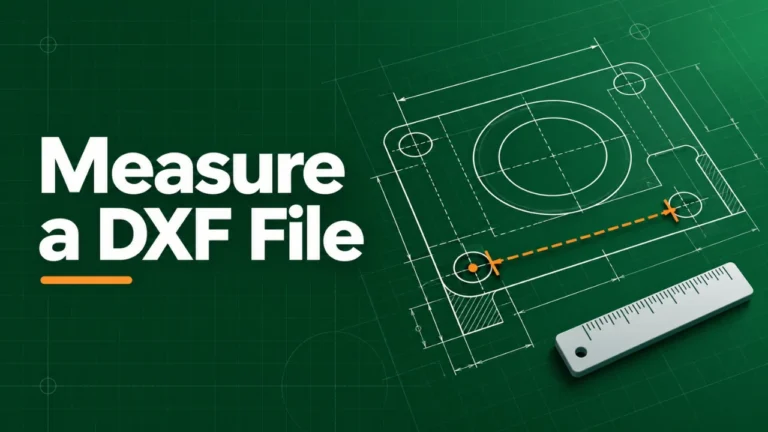
Where to find free DXF files for laser cutting, CNC and plasma, how to check licenses, and how to test a DXF before you cut so you never waste material.

Open DXF files on Android phones and tablets for free. Use Chrome, Google Drive or Files by Google with a browser viewer. Zoom, measure and share easily.
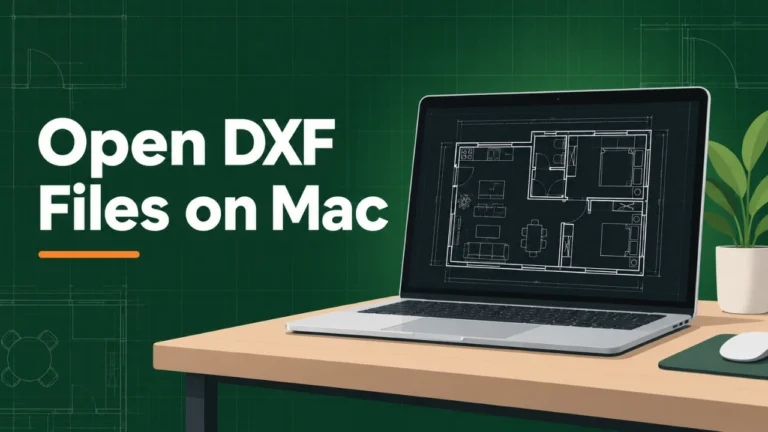
Open DXF files on iPhone and iPad without an app. Save the file to Files, open it in Safari and zoom, measure and share. Plus fixes for common problems.

Mac Preview cannot open DXF files. Here is how to open DXF on a Mac for free with a browser viewer, LibreCAD, QCAD or Inkscape, step by step.
DXF file not opening or showing blank? Find the cause fast. Fix binary DXF, renamed DWG files, wrong versions, hidden layers, broken downloads and more.

Convert DWG to DXF free with AutoCAD, ODA File Converter or online tools. Step by step guides, the best DXF version to pick, and fixes for common problems.

DXF vs DWG explained in plain words. Compare file size, openness, compatibility and features, and learn which format to send for CNC, clients and AutoCAD.
What is a DXF file? Learn what the DXF format stores, how it works inside, what it is used for, and how to open, edit or convert DXF files the easy way.